An investigation agent that lives in your IDE
Describe what's going wrong and Osuite's investigation agent finds the root cause and a fix — correlating logs, traces, and metrics across every service, right where you already work. Plus a visualizer agent that builds any dashboard from plain English.
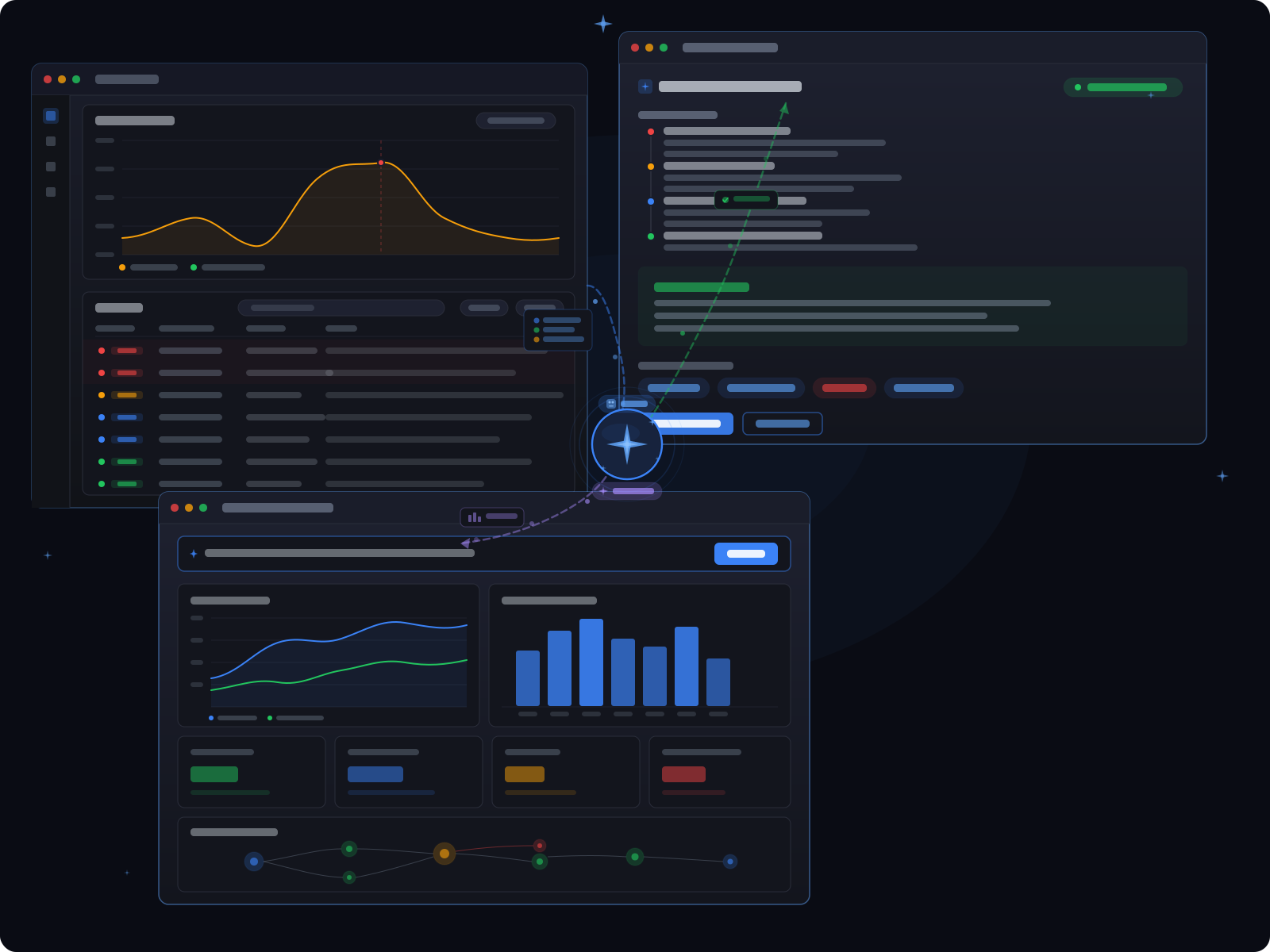
Less time digging. More time fixing.
Investigation Agent
Lives in your IDE. Describe an issue and it correlates logs, traces, and metrics to surface the root cause — and a suggested fix — in plain language
Visualizer Agent
Build any dashboard by describing what you want, no PromQL or metric expertise required
Built into the platform
Not a bolt-on. Both agents work with all your existing Osuite data from day one
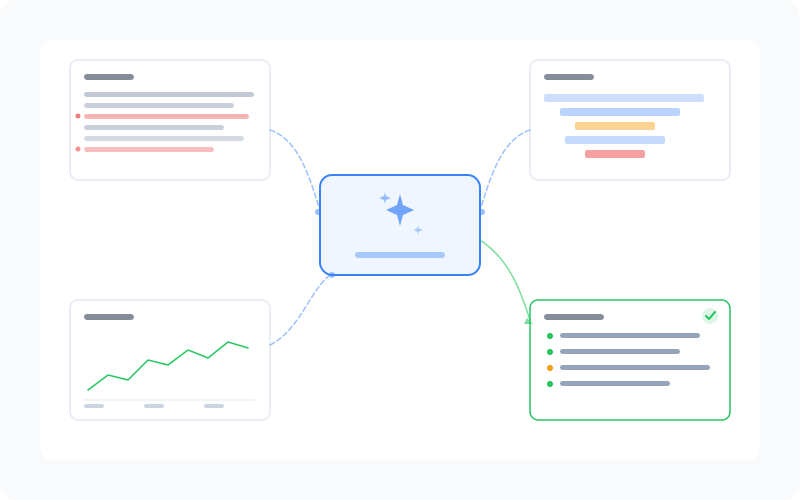
Investigation Agent — Root Cause and a Fix, in Your IDE
- Describe the issue in your IDE — the agent correlates logs, traces, and metrics across every service to find the root cause
- Surfaces what broke, why, and which service is the origin — in plain language, with a suggested fix
- Cuts investigation time from hours to minutes, even during complex cascading failures
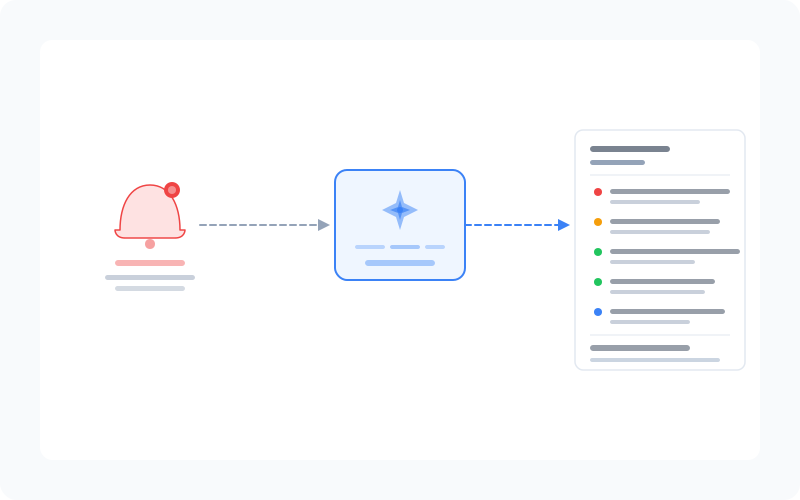
Investigation Agent — Smarter On-Call
- Does the first layer of investigation automatically, so on-call engineers arrive with context, not a blank screen
- Delivers a full investigation summary — and a proposed fix — before a human even opens the incident
- Works across your entire stack — no need to configure it per service or signal type
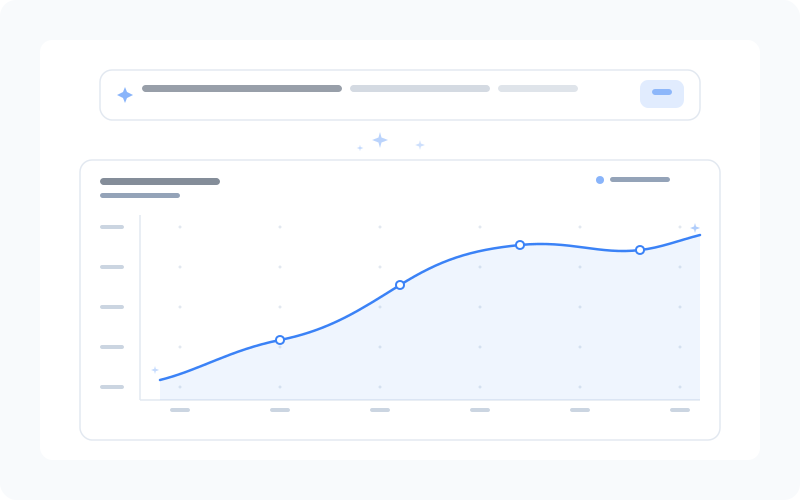
Visualizer Agent — Natural Language Dashboards
- Describe any dashboard in plain English and Osuite builds it — no query language required
- Automatically selects the right metrics, visualizations, and time ranges for your request
- Any engineer on your team can build production-ready dashboards, regardless of experience level
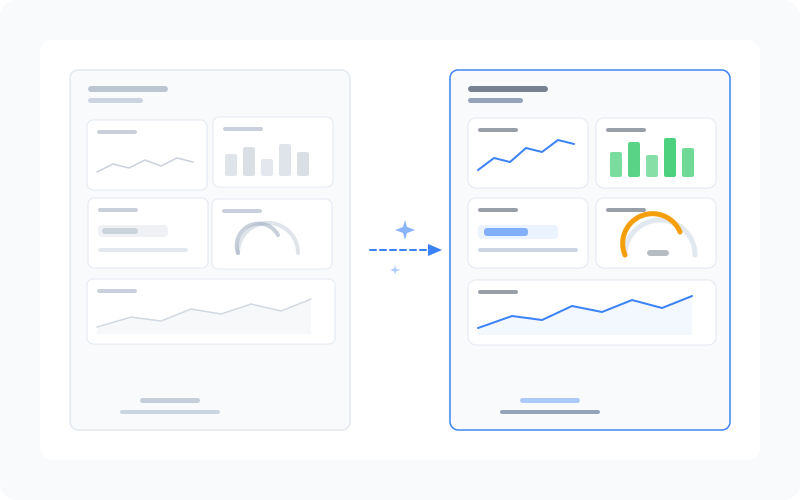
Visualizer Agent — Faster Iteration
- Scaffold dashboards in seconds and refine them with the manual builder for full control
- No more back-and-forth between engineers to find the right PromQL expression
- Democratizes observability across your team — junior engineers are no longer blocked